Service hotline


Focus on thin film switches!
Service in the field of thin film switches
National Service Hotline:
188 2500 5696
0760-89968553
Service in the field of thin film switches
188 2500 5696
0760-89968553

Zhongshan Chengyu Electronic Technology Co., LTD
Mobile:18825005696
Tel:0760-89968553
Web:www.cyzstech.com
Email:bill@cyzstech.com
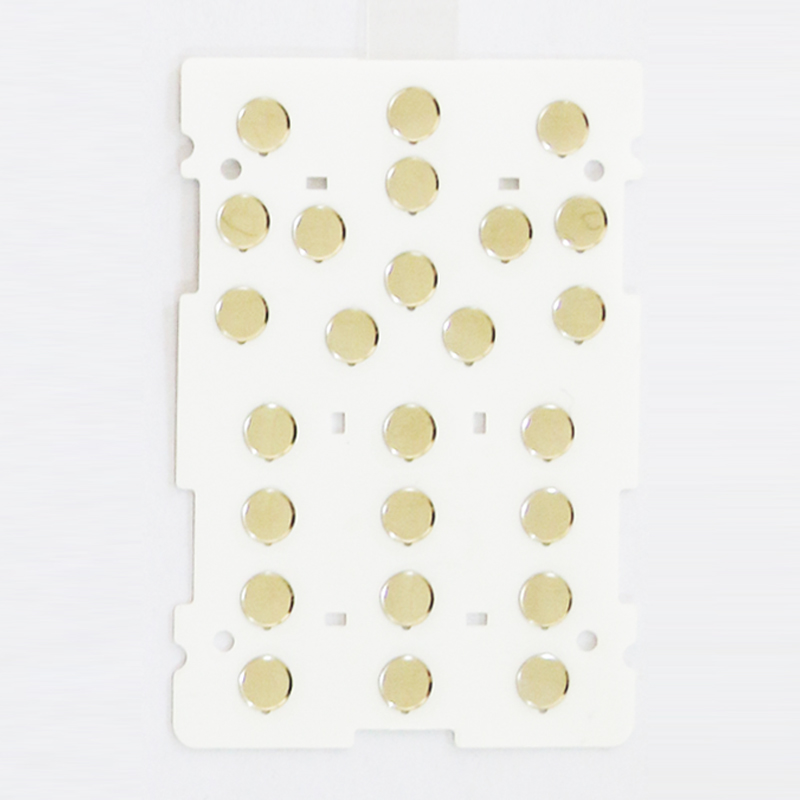
No matter what kind of touch screen, no matter in any occasion of daily life and work, there are problems of correct use and maintenance.
Surface acoustic touch screen:
Suitable for any non - open - air use of unknown objects. Especially suitable for cleaner environment, less dust occasions. The induction medium of the surface acoustic touch screen is fingers (not nails, gloves can also be worn), rubber and other soft objects that can be fully matched with the glass.
In daily use, keep the surface of the touch screen clean as far as possible. Use detergent and damp cloth to wipe the surface of the touch screen. If the reflection stripe of the touch screen is exposed, the emission stripe can be cleaned regularly with a brush; If the touch screen is installed in the display, you should often clean the dust at the contact between the touch screen and the display frame with a brush. If the touch response is slow or inaccurate, you can insert a business card into the seam between the touch screen and the display frame about 3 centimeters deep, and gently press the touch screen with your hand. Move the business card around the outer frame of the monitor repeatedly several times (try to keep the business card close to the touch screen), so that the touch screen can be as sensitive as before.

Wechat scan to know us